Reference
On this page
What's new in Nawa 1.0.115
Follow the coder’s progress
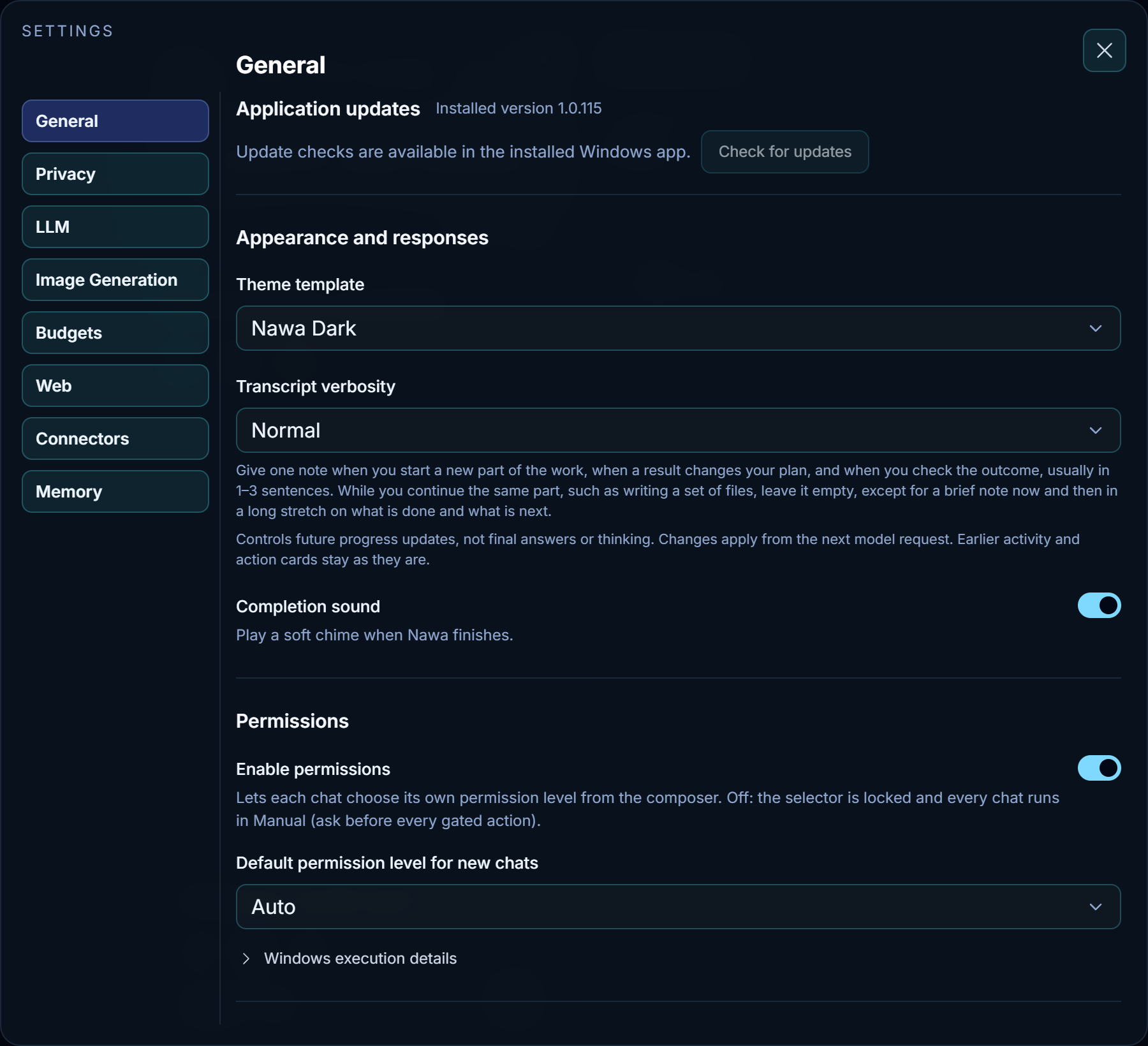
In Settings → General, choose Normal for updates when the coder moves to a new part of the job, changes its plan, or checks the result. A sequence of related edits can share one update. When verification begins without a note, the chat can show a status such as Checking in the browser.
Review browser evidence
The coder can capture a screenshot when it opens or changes a page, or when a wait ends. You can open the image from that action in chat. Main can report what the coder observed and revisit an individual image if a detail is missing or disputed. When the coder needs to retry a check, it can reuse its earlier report. How the coder verifies a result
Give one command network access
A coder working offline can request a connection for a command such as a package install. Your permission mode determines whether Nawa asks for approval. That grant ends with the command. Automations remain within the permissions you saved. Permissions and approvals
Nawa also sends less internal bookkeeping back to the model after successful operations. You can still inspect the full action record in chat.
From 1.0.114
Watch a page finish a task
When you ask Nawa to check an export, the coder can watch the status move from Queued to Running to Ready in one browser call. If the export stalls, the watch returns the last value it saw and how long it stayed there. See how the coder verifies a result.
Follow work in chat
Tool actions can still show a short progress message. Working drafts produced during a tool step stay out of the progress narration.
From 1.0.113
Links in research answers
A research answer can include a numbered citation to a saved source and an ordinary link to a page whose capture Nawa discarded. The ordinary link opens the web page. You can open the numbered citation to see the source Nawa retained.
From 1.0.112
Answers, links and incomplete responses
You can ask for a list of search-result links or for literal SVG source in chat. Nawa can deliver either directly. A numbered source citation still opens captured evidence. If a provider interrupts its answer or sends an incomplete batch of tool calls, the turn stops and the diagnostic identifies the incomplete response. See reading a chat answer and troubleshooting.
Coding checks
The coder can reuse a successful build while its inputs and verified outputs are current. An edit invalidates the affected evidence. Identically named tests in different packages are checked separately. Coder and verification explains when a project is ready.
From 1.0.111
Follow a command after approval
Expand a command in the chat's action history. A foreground command shows its current step when the script announces one. Otherwise, the row names the program running. Its clock starts when execution begins and continues while the program is quiet. See permissions and approvals.
Inspect screenshots from a task
Open the action that captured the screenshots and click a thumbnail to see the full image. Use the arrow controls or the Left and Right keys to move through that group. Each arrow disappears at its end of the group. The chat retains these images after workspace cleanup. You can refer back to one or ask Nawa to show it in an answer.
Specialist requests and repeated checks
Specialists now receive the original user request. When the same tool call repeatedly gives the same observation, Nawa shows the agent the count. The agent can try a different step, report what is blocking progress, or keep polling when it expects a change. Read about the coder and verification.
Themes
Choose Nawa Dark Heart in Settings > General > Theme template for a near-black background, orange accents and rounded controls. Sidebar icons use colors drawn from each theme, and the left pane follows the selected background. See General settings.
Earlier releases
See the changelog for dated release notes, including 1.0.110. Earlier improvements are summarized below.
Connections and context limits
Connect verifies an OpenRouter key through its authenticated endpoint, rather than treating its public model list as proof of authentication. A refused key shows the provider's answer. A connection with no saved model asks you to choose one instead of selecting the first result.
Main and Coder show each model's context size and its source beside Compact at (%). Nawa uses the provider's reported limits, including Anthropic model records, without the former 272,000-token ceiling on catalogue values. If a server reports no size, Nawa labels its 256,000-token assumption; when that server states a smaller limit in a refusal, Nawa learns it, compacts and retries. The context size is no longer a user-entered setting.
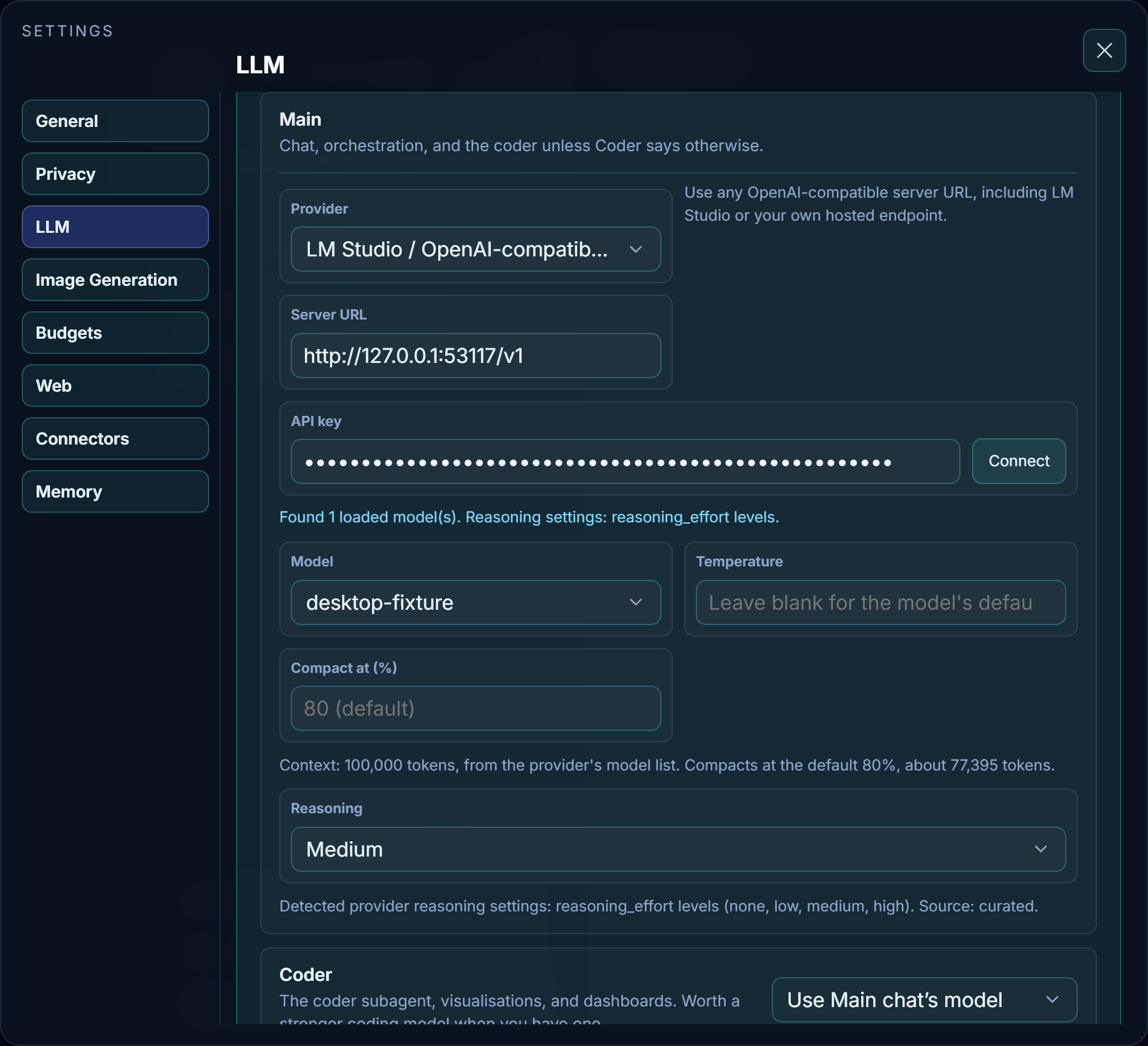
Keys belong to the provider that issued them. The connection guide now includes direct DeepSeek setup through the OpenAI-compatible server form. It does not require a local model or router.
Privacy settings
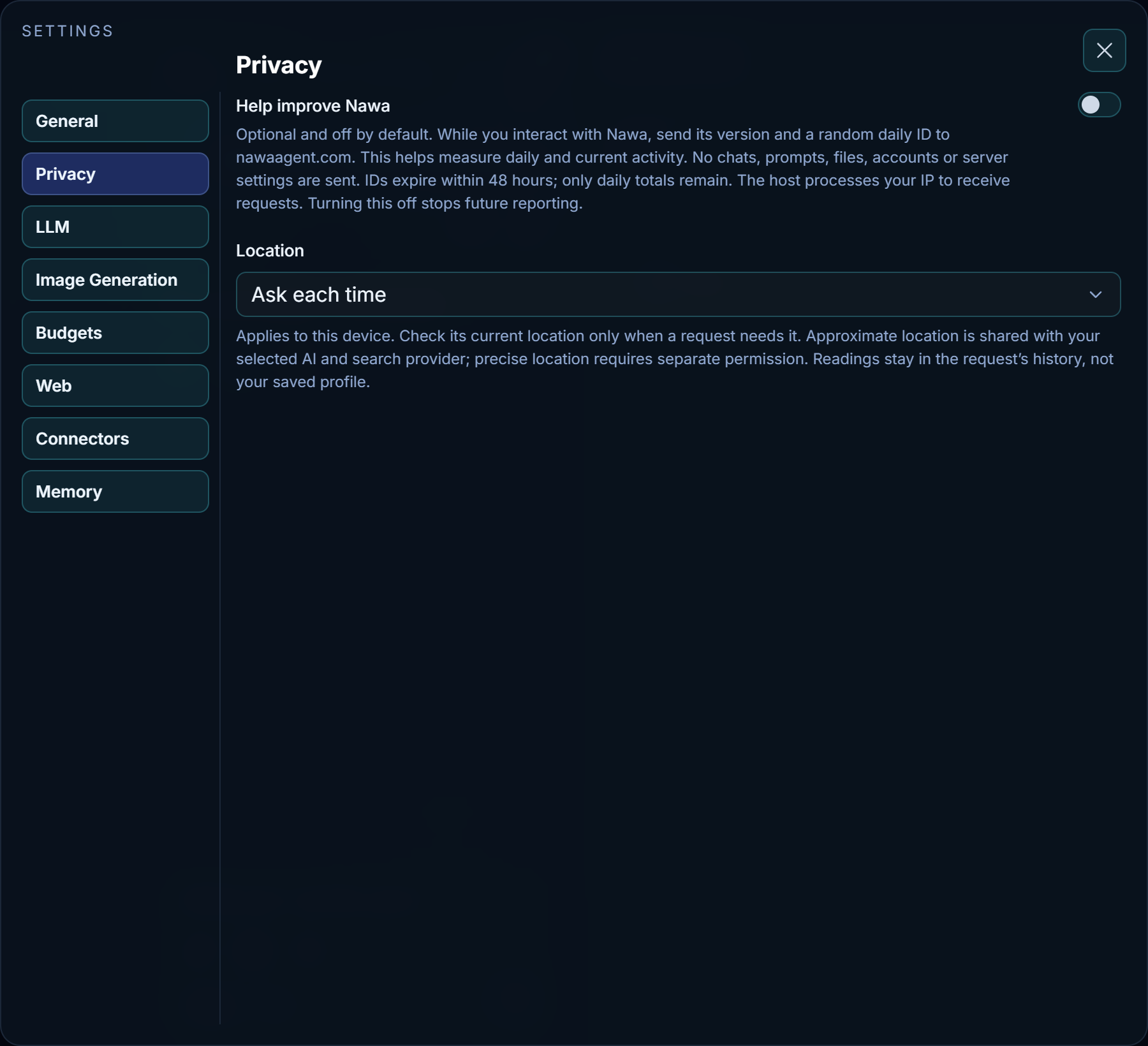
Settings → Privacy holds Help improve Nawa and Location. Enable permissions and the permission mode stay in General. The move preserves existing choices; optional usage reporting remains off on a new installation unless enabled.
Bug reports now include redacted connection facts so support can identify the selected provider, endpoint and model. They describe whether a key exists, its length and public format prefix, and formatting flags; the key's secret characters and setup names are not included.
More reliable coding and model responses
- Main and the coder receive tool screenshots when the selected model supports images. Anthropic history keeps screenshots in place longer and discards only reasoning invalidated by an edited message.
- Models that return no visible text while preparing a response are not treated as idle solely for that reason. Connection and response errors identify the failed stage; Stop remains available.
- Sandboxed builds can open the workspace's required ancestor folders through narrowly scoped read access. Workspace services avoid the ports Windows reserves for outgoing connections.
- Workspace checks reuse unchanged file hashes, preview copies use bounded parallel work, and token accounting reuses provider observations below the point where an exact count is needed.
- Read-only coder reports finish normally, and current instruction files already delivered to the coder do not require another read before editing.
See Troubleshooting and LLM settings.
Website and Store editions
Both Windows editions are now built and tested from the same source revision. The website edition offers optional Tailscale remote access. The Store edition keeps its listeners on the local computer, disables remote pairing and Tailscale access, and cannot regain those features through imported settings or website updates. Local models and Desktop Control remain available in both editions.
Website installations download updates in the background and wait for active work to finish before installation. Store installations require a newer Store-edition installer. Updates preserve the local profile. First-time website installations use the small download launcher; Store installers contain the bundled runtime. Setup explains that unpacking and final installation may take several minutes.
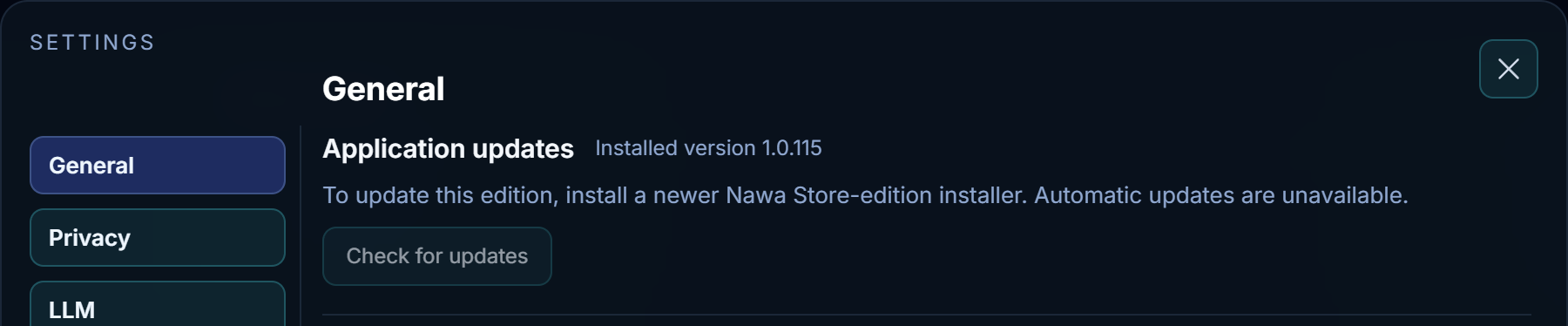
Nawa is now available on the Microsoft Store, with the listing live as of 30 October 2026. The website edition remains available as a direct download. See Install Nawa for the edition comparison and installer names.
Models, reasoning and spending stay with the chat
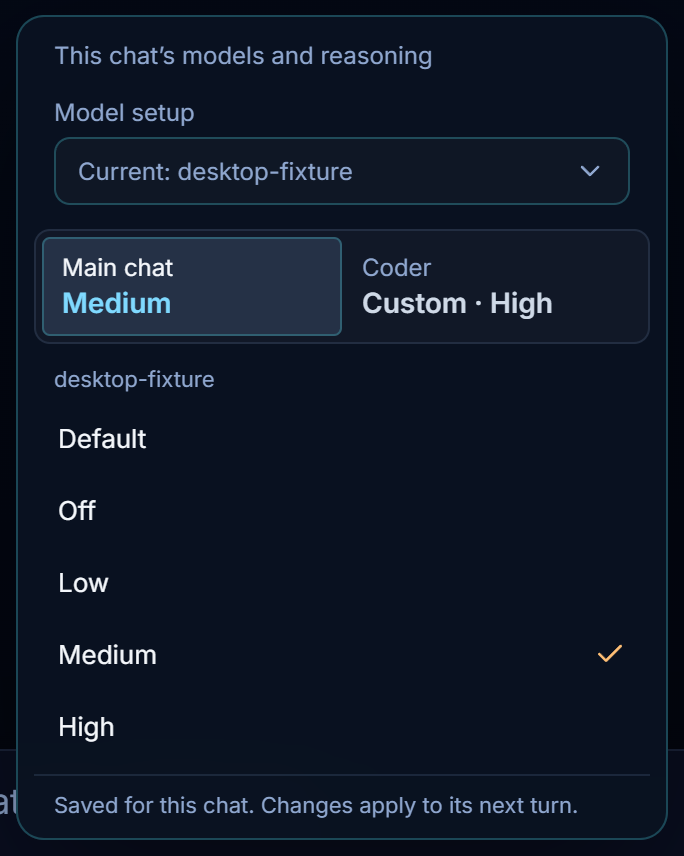
- Each chat retains its Main and Coder model routing, reasoning choices and web selection. Changing the default setup does not reroute a chat that already has saved choices; an active turn keeps its starting settings.
- Main and Coder menus exclude known realtime and image-only models. Supported multimodal chat models remain available.
- Reasoning choices follow the selected model's reported capabilities. A successful check reconciles obsolete choices; a failed check preserves the requested level and reports the failure instead of silently turning reasoning off.
- Spending and provider errors are associated with the owning chat. Supported pricing provides an Est. cost when the provider does not report charges. Missing cost data is shown as unavailable or partial, not as a free request. Account balances remain separate from chat costs.
Read LLM settings and Tokens and budgets.
Background search and clearer recovery
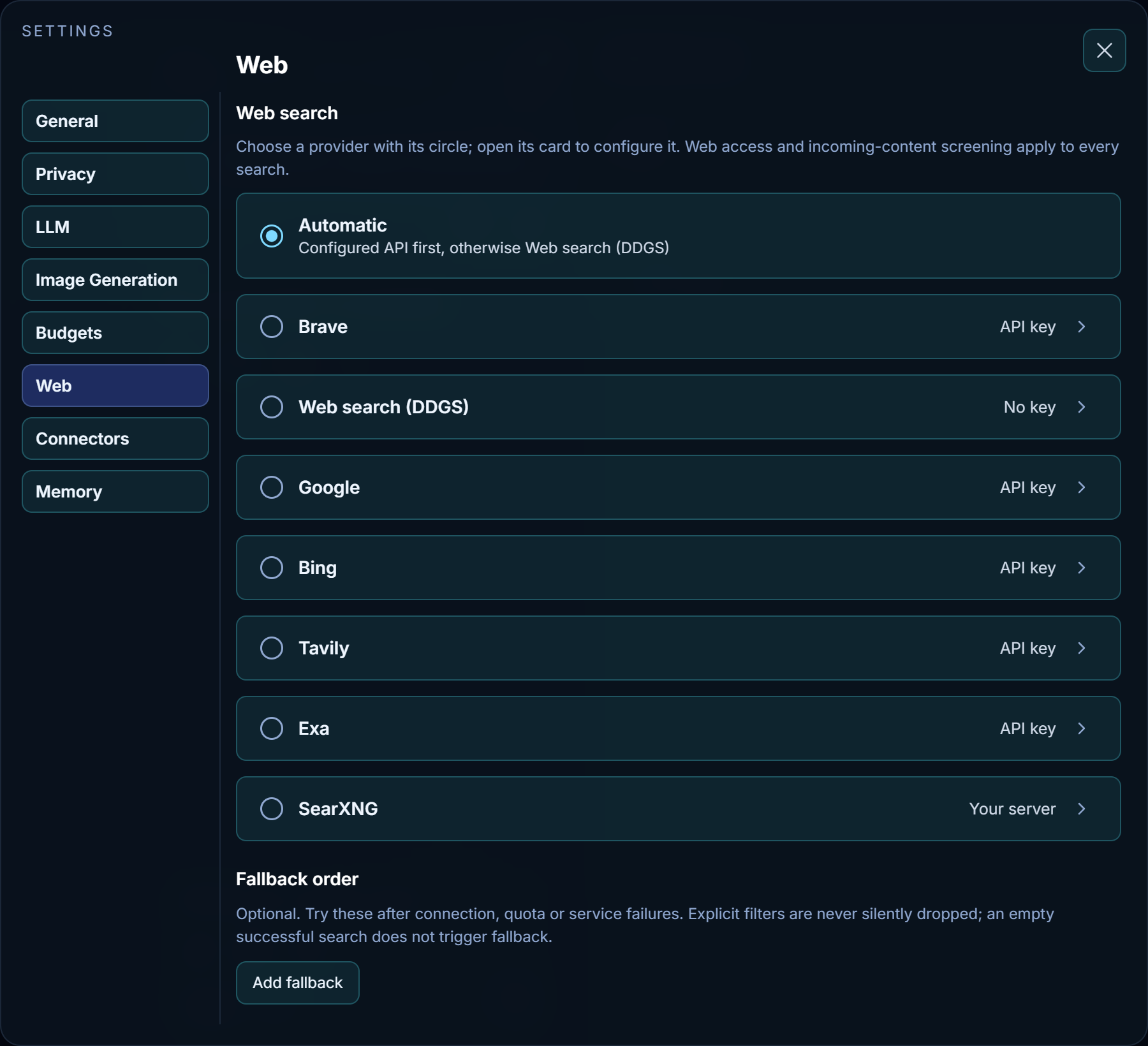
Automatic search uses a configured search API, otherwise Web search (DDGS). DDGS needs no API key or open browser window and searches external engines in the background. Existing DuckDuckGo selections migrate automatically. Engine rate limits and failed searches are reported; configured API providers can be used as fallbacks.
Model-server retries show the SVG connection notice, attempt count and shimmering progress text. The notice clears on connection or Stop. Windows command cancellation now signals the process owner directly and checks child-process cleanup. Other chats remain responsive during cancellation. Workspace applications also start correctly on Windows systems whose connection table omits listening sockets.

See Web settings and Troubleshooting.
Coding and documents
Main hands the complete request, constraints and test expectations to the coder, which owns workspace inspection and implementation planning. Tool calls can carry public progress narration. The coder receives explicit completion requirements and corrective feedback if it omits finish_coding; repeated missing-tool replies end with a clear incomplete result.
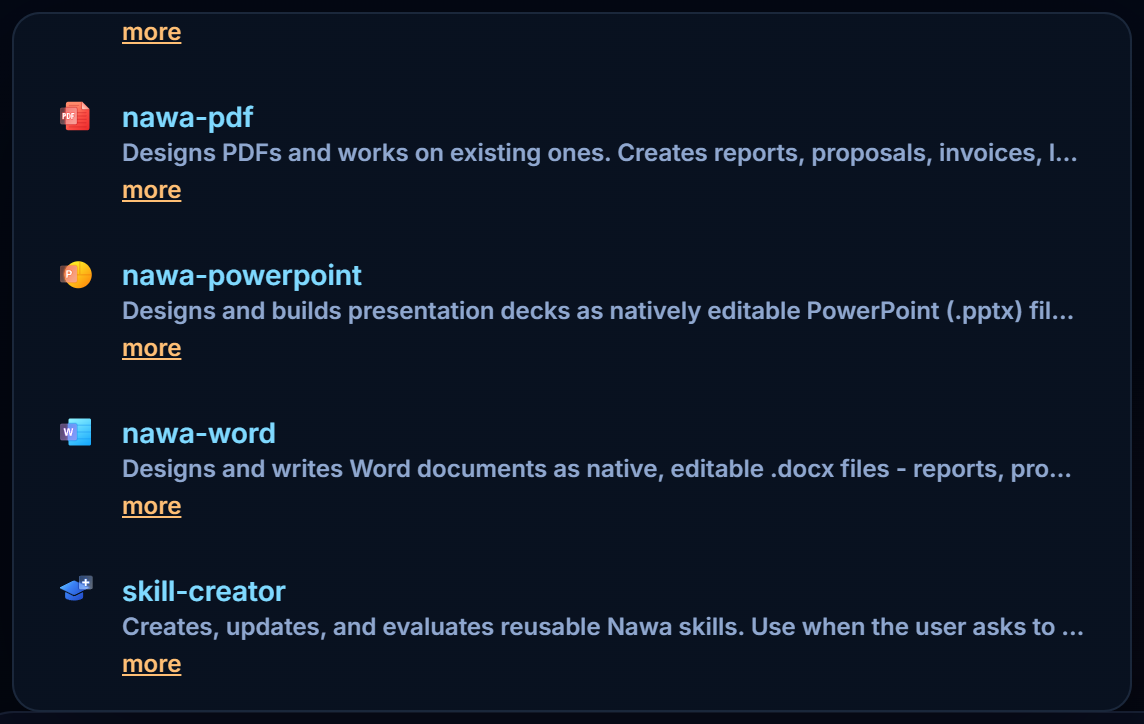
When a model prints tool-call JSON as ordinary text, Nawa attempts recovery through supported native tool calls. This still depends on the provider and model supporting tool use. PowerPoint work preserves supplied slide designs, and preview failures are reported rather than silently hidden. PowerPoint, PDF, Word and Skill Creator have distinct icons matching Computer Use's icon size.
Read The coder and verification and Working with files.
Appearance, memory and long conversations
New installations start in Nawa Dark; existing profiles retain their theme. Learned memories save immediately with Undo beneath the answer. Chat-specific notes live in the chat workspace's AGENTS.md. Memory cards and sources leave the answer's copy controls accessible.
Compaction and conversation indexing handle empty briefings and cut-off output more reliably. Memory searches match whole words and support text inside Chinese, Japanese and Thai content. Deleting chats and projects releases their associated notes and previews.
Read Memory, Context and compaction and General settings.
Website and downloads
The public beta download needs no invitation, email or Nawa account. Release emails are optional; entering an email when subscribing or downloading signs up for those updates. The homepage includes demonstrations, and the download page follows the current published installer. Download-start measurements and app usage statistics are explained in the privacy policy.
Release publication now verifies both editions and their update files before publishing metadata, and refuses to replace an existing version's installer with different bytes.